There are just 5 steps to start improving your laser engraving results.
Open Image
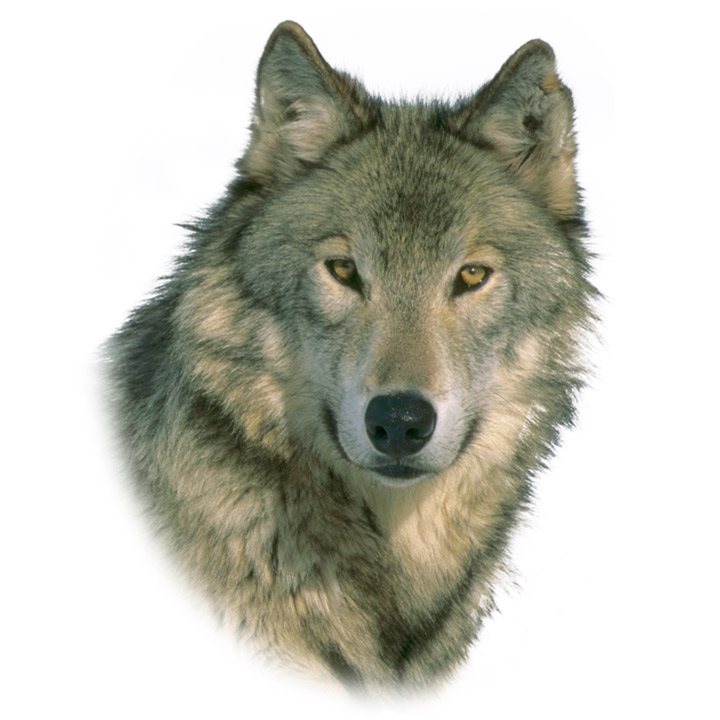
Open a standard photo format (JPEG, PNG, TIFF, BMP) directly into PhotoGrav.
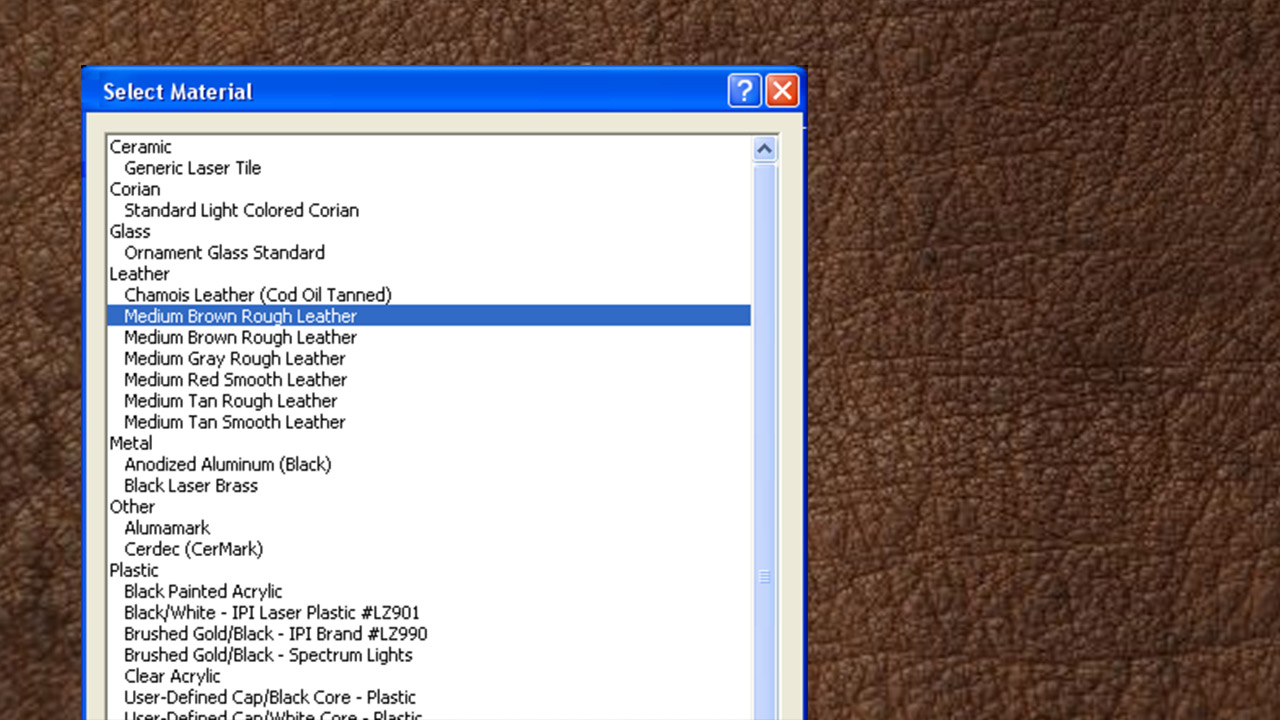
Select Material
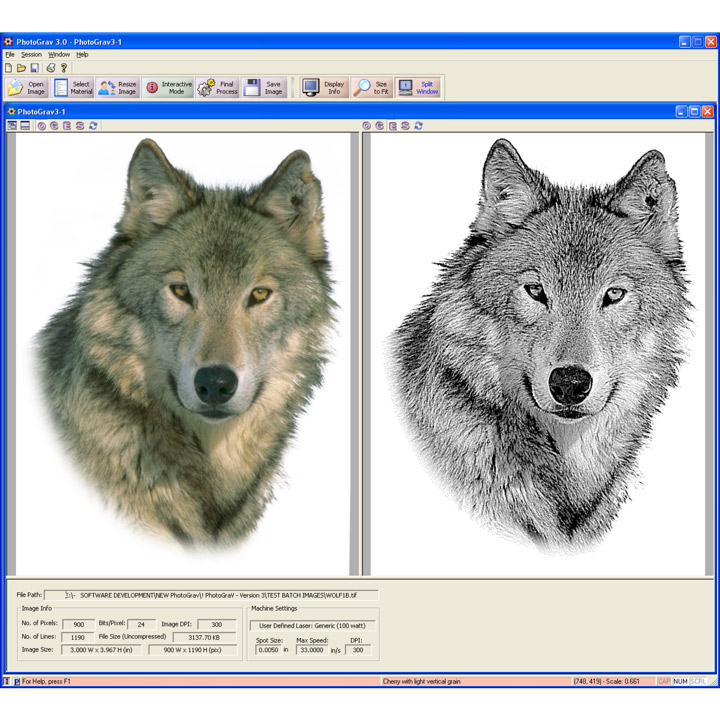
Choose from over 20 pre-calibrated engraving materials, including woods, acrylics, and metals.
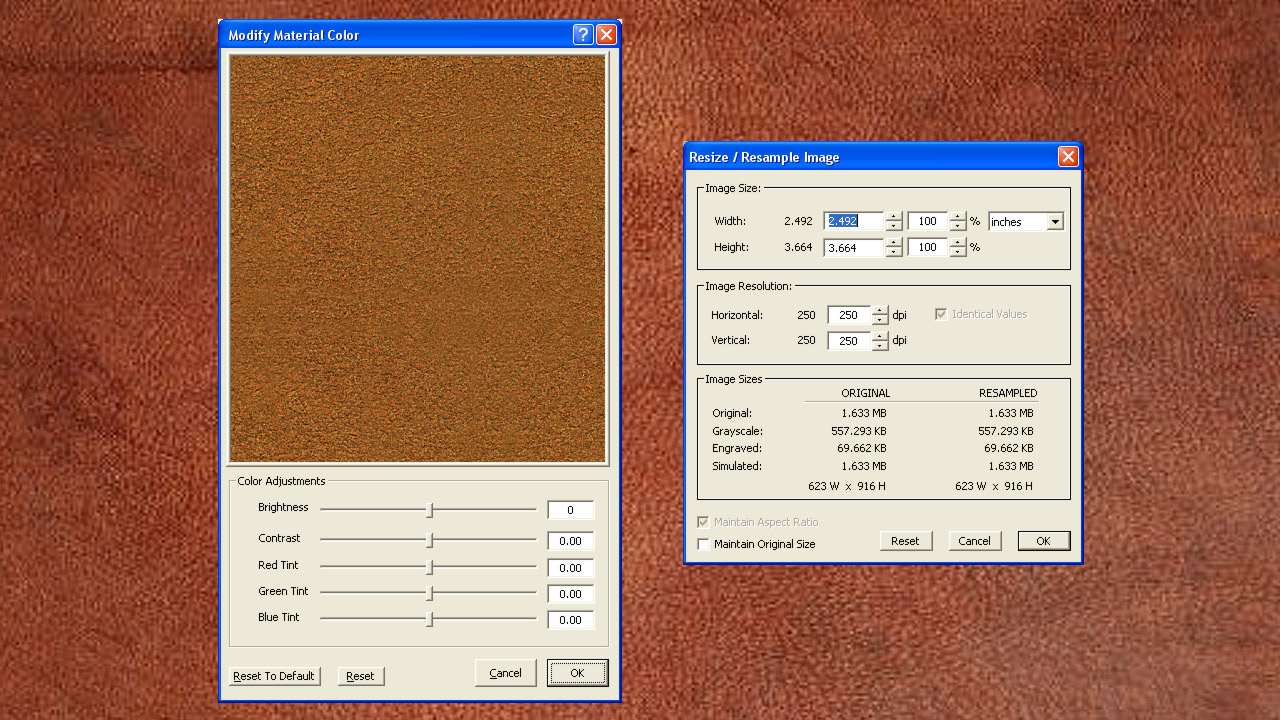
Resize Image
Resize the Image. PhotoGrav resamples the image to the desired size.
Final Process
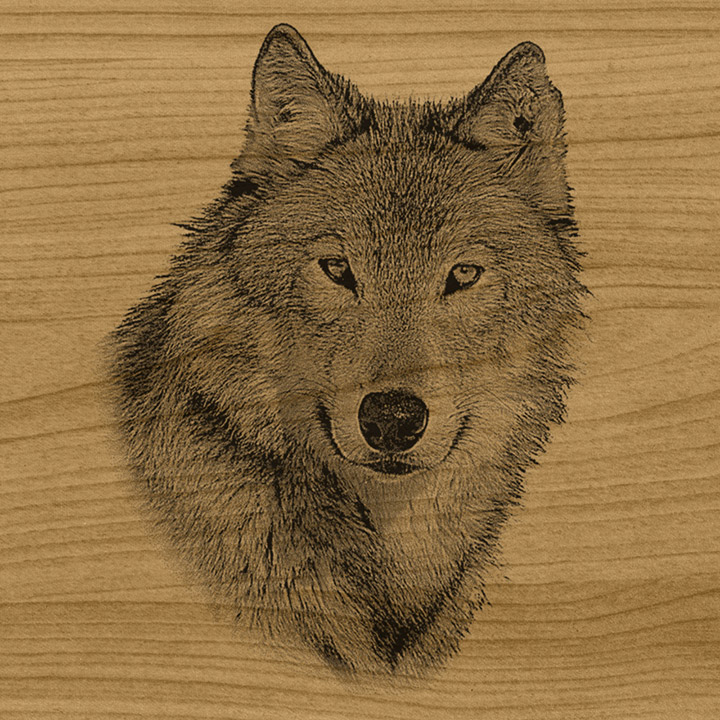
Click one button. PhotoGrav automatically compensates for the specific peculiarities of your chosen material.
Save & Engrave
Export the generated binary image and engrave.
Advanced Material Simulation
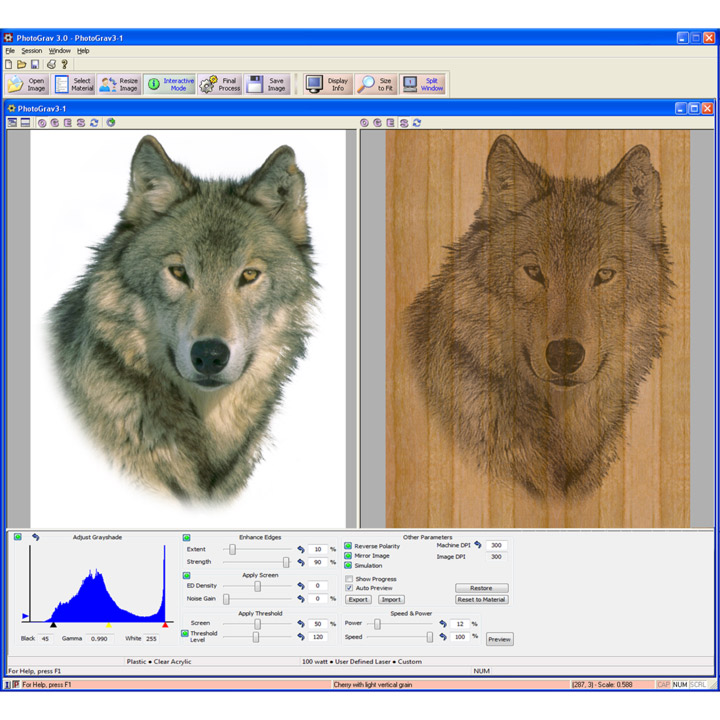
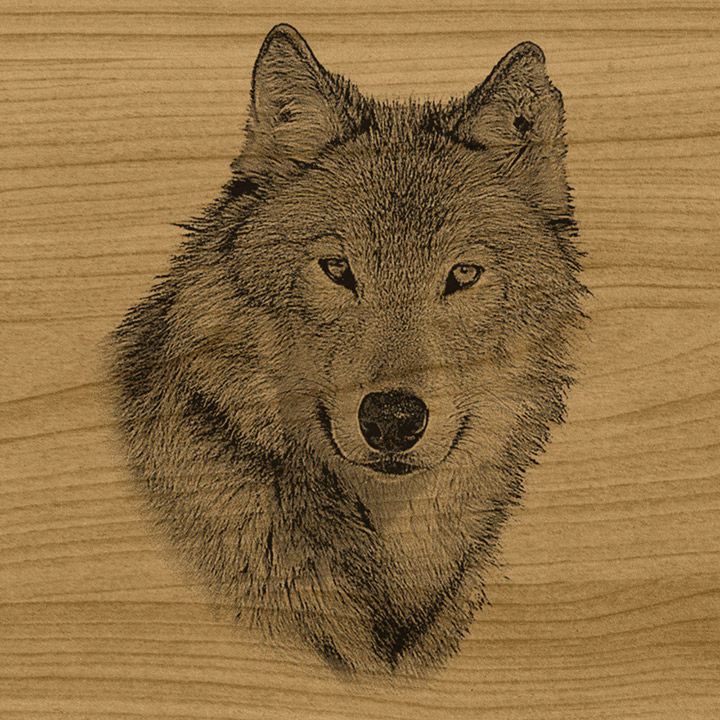
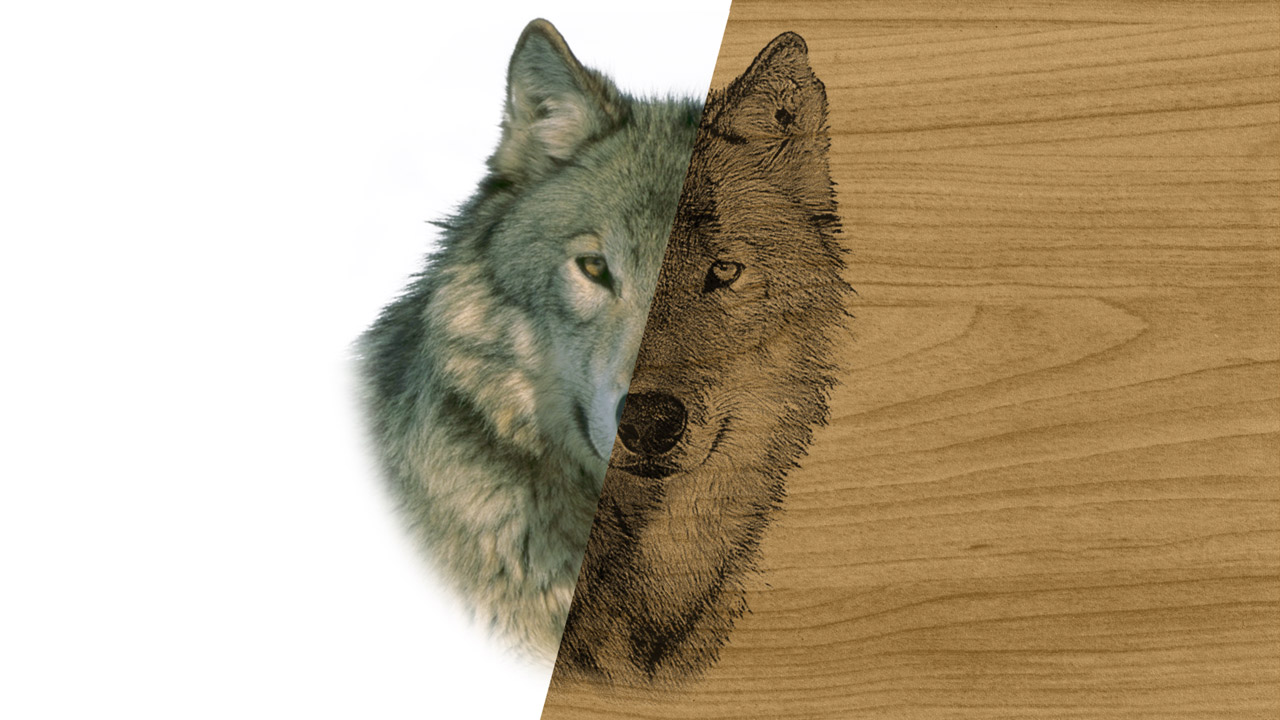
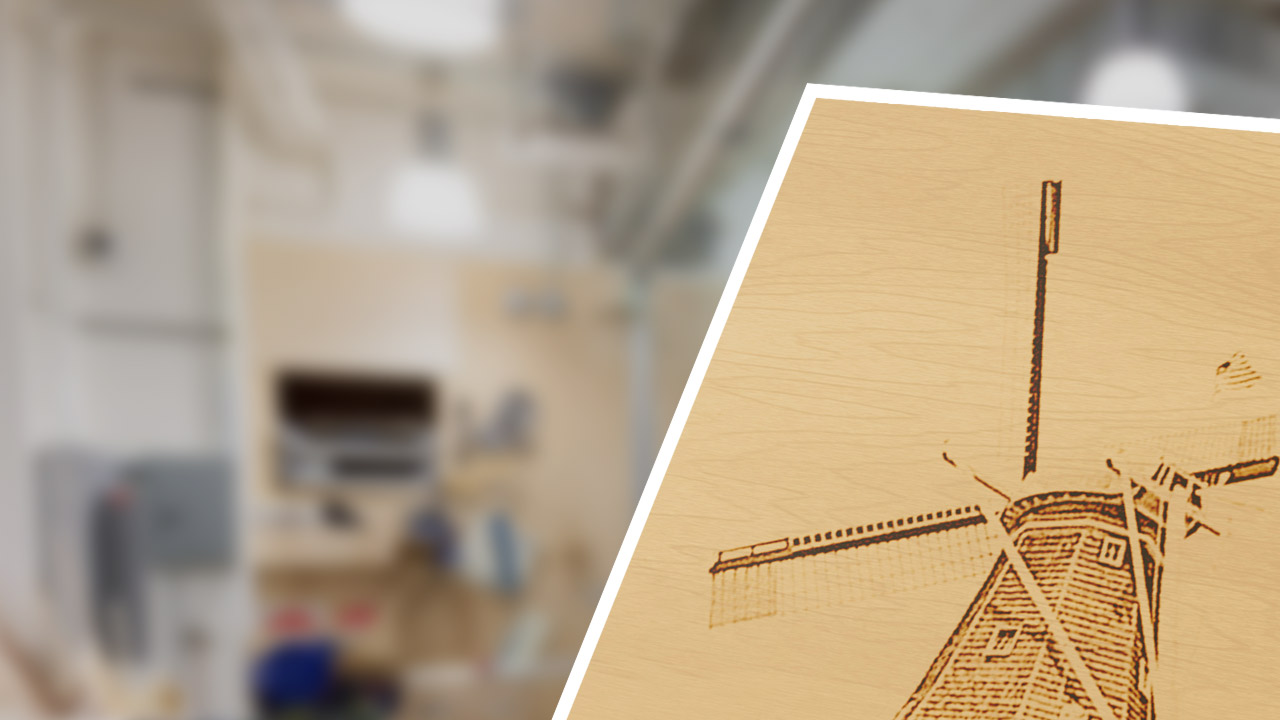
PhotoGrav's simulation capability provides a way for you to inspect the relative appearance of the final product before you actually engrave it.
The simulated engraving is not merely an overlay of the input photo. It is produced by an advanced Power/Lens model using the actual binary image that you will eventually send to your engraver.
Interactive Real-Time Adjustments
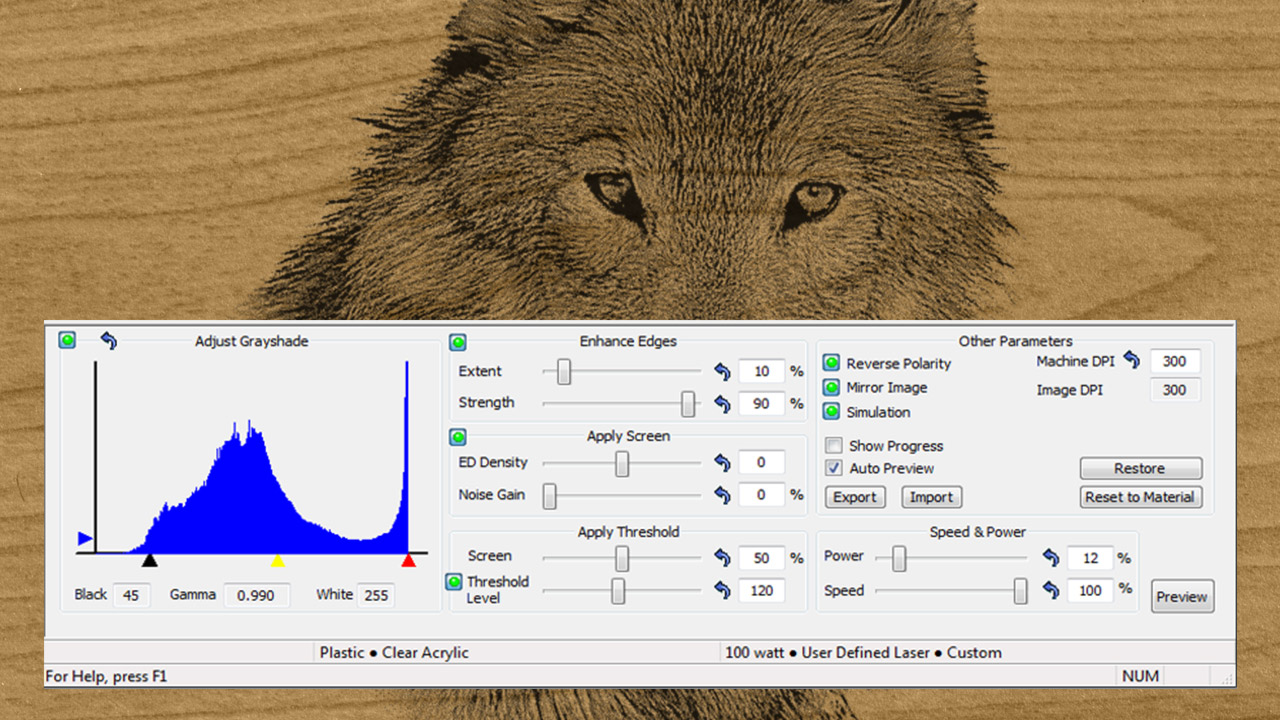
While automation is great, power users need control. PhotoGrav's Interactive Mode allows you to adjust any of the processing parameters and see the effect on the simulated engraving in near real-time.
You can easily tweak clipping, gamma parameters, histogram equalization, and apply simultaneous smoothing and edge strengthening to perfectly dial in your image.
Why Choose PhotoGrav?
Significant advantages over general-purpose graphics programs.
Laser-Optimized Dithering
Provides a diffusion dithering process designed specifically for laser engraving. The density is user-adjustable and optimally pre-tuned for supported materials.
Detailed Reporting
Generate detailed reports and color proofs containing parameter sets and material previews for customer approval and future reference.
Automatic Compensation
Automatically compensates for material peculiarities. For example, photos to be engraved on clear acrylic are automatically mirror-imaged and produced at a "negative" polarity.
Save Custom Parameters
Once you dial in the absolute perfect settings for your specific laser machine and a custom material, you can save the parameter sets for perfect, repeatable results every time.
Features
Automated
Automated application of these tools to the subject photo.
Reports
User Defined
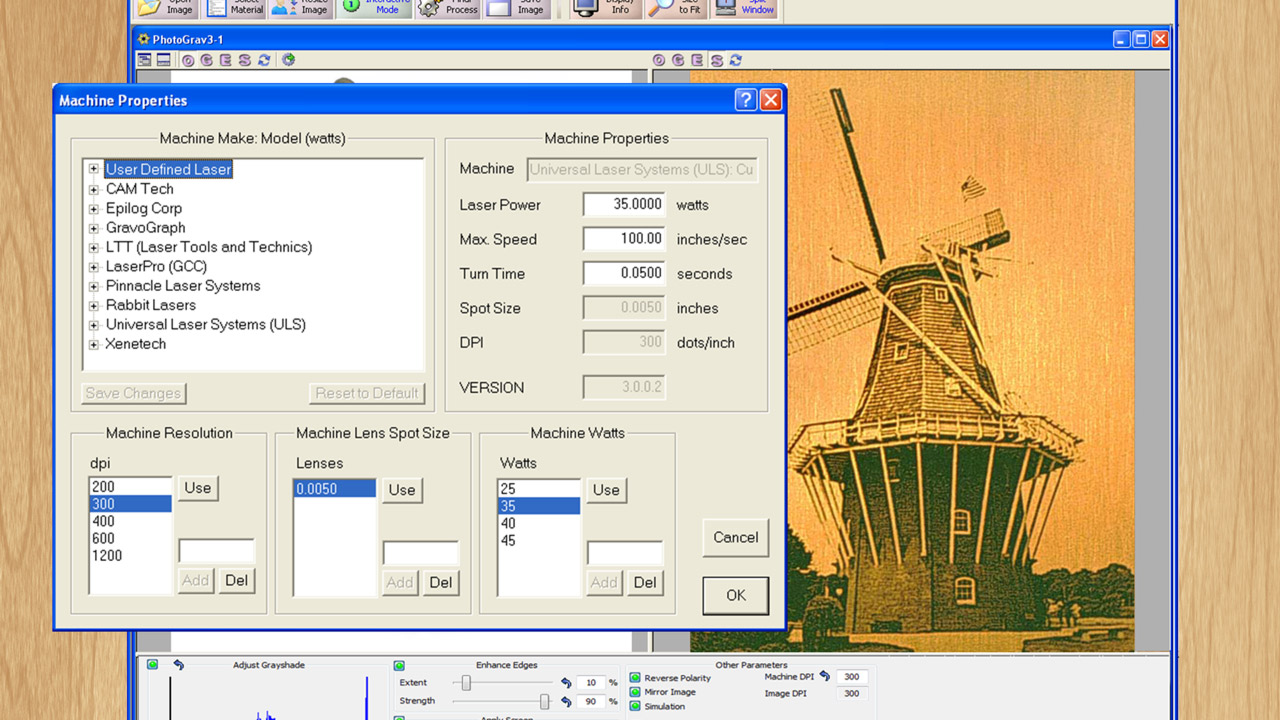
User defined parameter sets can be saved for further customization.
Calibrated
Calibrated to most laser engraving equipment and common materials.
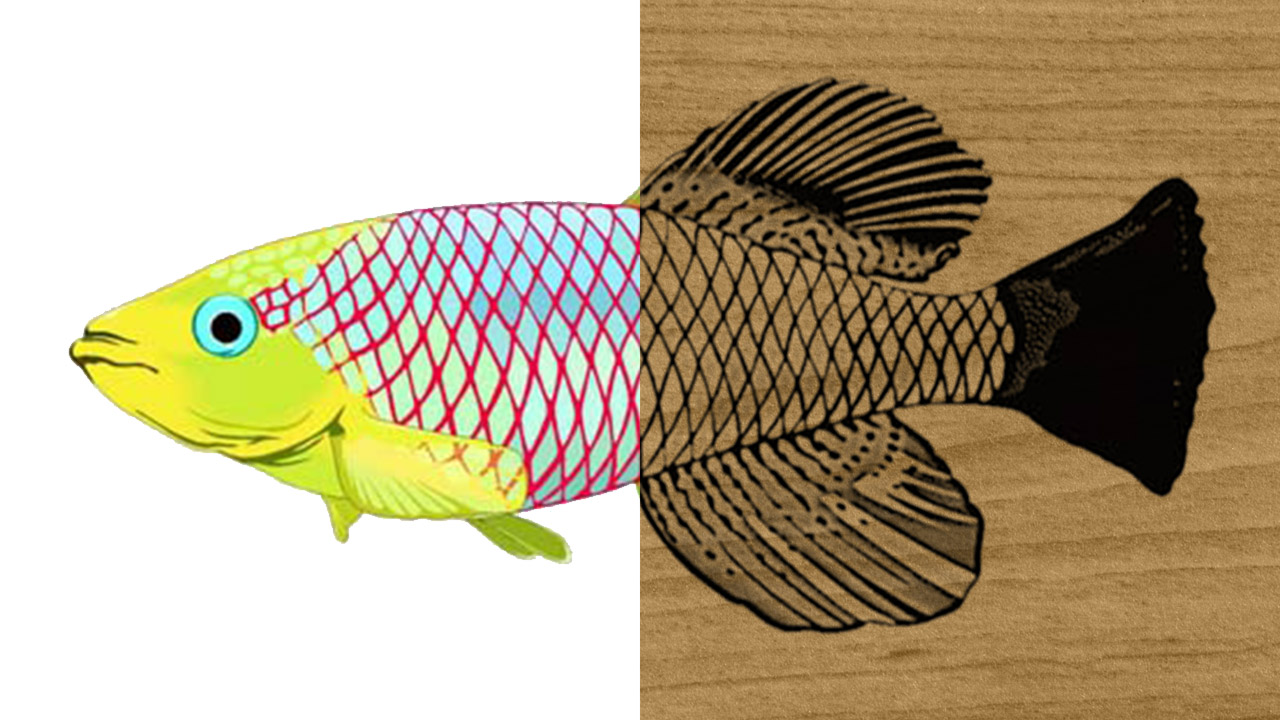
Color Clipart
Color Clipart from CorelDraw can be easily engraved by processing with PhotoGrav.